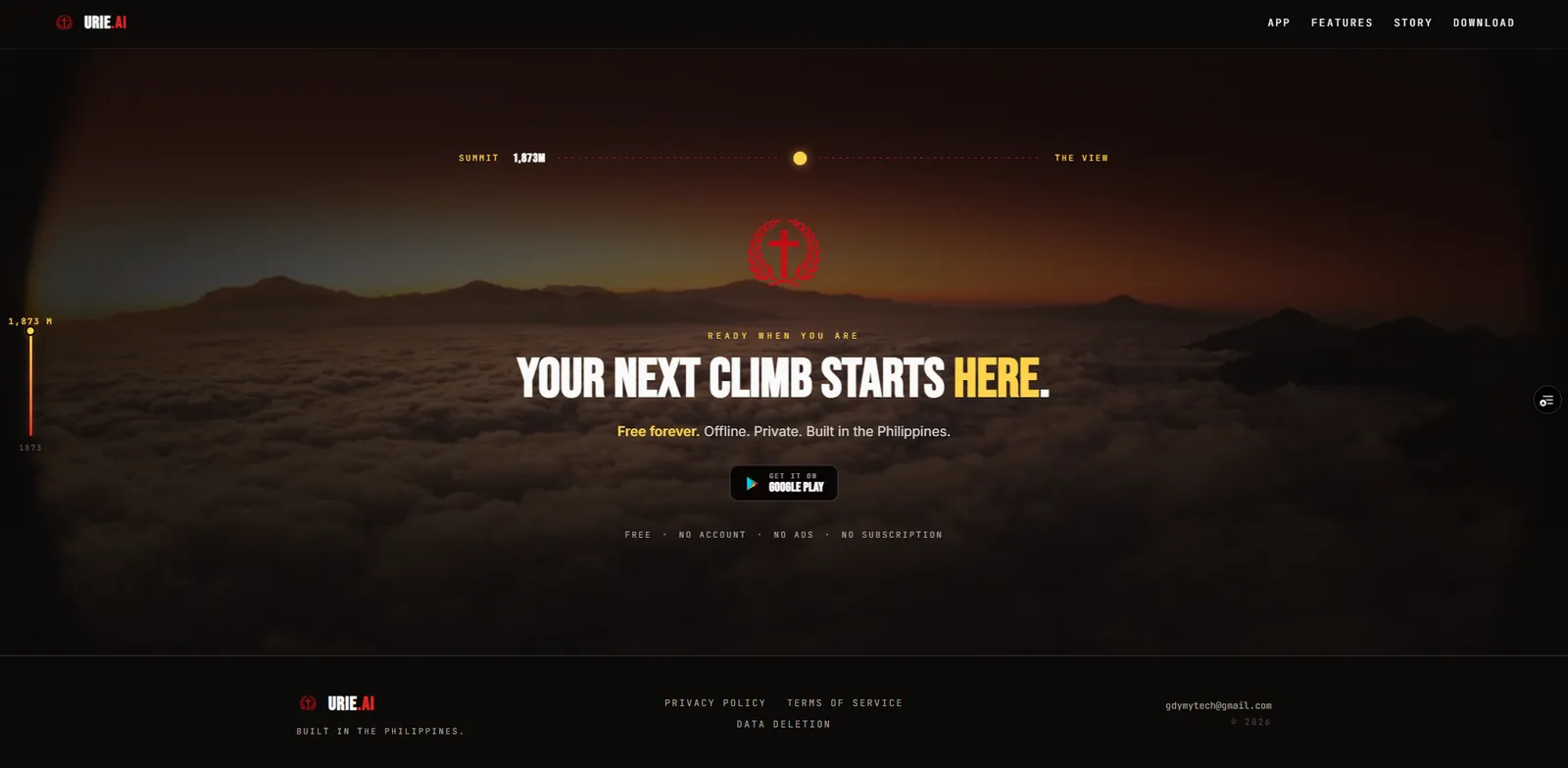
Calorie targets that never move, and no chicken adobo.
Every tracker I tried kept the calorie target static while my weight dropped, and none of them knew Filipino food. I also wanted it to work at the gym with no signal, without paying per-token API costs for a tool I open every day.
urieai.vercel.app
承 (Development)02 / What I built
An Android tracker with the AI coach living on the phone.
React Native and Expo, local SQLite for all tracking data, a Filipino-first food database, GPS cardio tracking and a TDEE target that adjusts itself. The chat model is Gemma, running on the phone through llama.rn.
ゴゴゴ
転 (Twist)03 / The hard part
3.1GB
Gemma 4 E2B, quantized, on a mid-range phone
A 3 GB model on a mid-range phone, and Android trying to kill it.
The first cold prompt sat for about half a minute before the first token. Then Oppo's battery manager killed workouts in the background. Both took native work, not settings.
ドン
結 (Conclusion)04 / The result
~4.5s
to first token on a cached prompt, down from about 34 s. Measured on one Oppo phone, on CPU, in one session.
Foods pre-loaded1,500+ curated
Data storeLocal SQLite, no sync
AndroidAPI 26+
Google PlayInternal testing
2
起源 (Origin)
Why this exists.
I was going to start cutting calories and kept hitting the same friction: every fitness app I tried had the same flaw: your calorie target stayed static even as your weight dropped. MyFitnessPal makes you re-enter your starting weight to recalculate. MacroFactor does it properly but costs money and doesn’t know what chicken adobo is. The nutrition databases were built for American food, not what I actually ate.
So I built the app I wanted. Start with a real TDEE auto-adjustment algorithm. Load about 1,500 curated foods, Filipino first, from the FNRI database and other sources, so I don’t have to approximate “pork adobo” as “roast pork.” Make it work offline because gym wifi is useless. Then put a small LLM on the device because I didn’t want to pay API costs for a tool I use every day.
実機 (Real device)Splash and home screen
計算 (Calculation)
TDEE auto-adjustment.
The centerpiece
The centerpiece of the whole app. The reason I built it.
Daily calorie target is calculated with Mifflin-St Jeor BMR (or Katch-McArdle when you know your body fat) multiplied by an activity factor, then adjusted for goal (deficit for fat loss, surplus for muscle gain). Protein is 2.0 g/kg when cutting or 1.6 g/kg when maintaining (lower if you don’t lift), computed on a reference weight capped at BMI 30 so very heavy users don’t get unreachable protein targets. Fat at 0.8 g/kg. Carbs fill the remaining calories.
Here’s the part that matters: the targets auto-adjust as your weight changes. Not “check in weekly and update manually,” actually adjust, based on whether you’re losing at the expected rate.
Every day you log your weight, it feeds an exponentially weighted moving average (α ≈ 0.2, roughly a 5-day window) that smooths out water-weight noise. The app compares your smoothed trend against the expected rate. Three consecutive weekly averages with less than 0.05 kg/week change flags a plateau. If your actual rate differs from target by more than 0.15 kg/week, it triggers a recalculation.
When it recalculates, it estimates your TDEE from the math: TDEE ≈ calorie_target − (daily_weight_change × 7700). Your calorie target stands in for what you ate, so logging every meal isn’t required. That’s an assumption: the estimate is only as good as how closely you actually eat to the target. It suggests new targets through the same math as onboarding, waits at least a week and five new weigh-ins between changes, and persists them as a new historical entry with an effective-from date.
That last part matters: when you look at a past day in the Nutrition tab, the calorie ring uses the targets that were active that day, not today’s. Old days keep the targets they were logged against.
Pipeline流れ (Flow)
01
Daily weight log
02
EWMA smoothing (α ≈ 0.2)
03
Compare vs expected rate
04
Estimate TDEE (intake = target)
05
Persist new historical targets
実機 (Real device)TDEE review screen
仕組み (How it works)
How it works
Before the details, the whole app on one page. Everything in red runs on the phone. The cloud sits below a consent prompt, and the app works without it.
Built by me
Platform, team or vendor
図Fig. 4Urie.ai keeps everything on the phone: SQLite is the source of truth, one write updates every screen, and the AI coach runs on-device first. The cloud is only reached after a consent prompt that names the provider.
圏外 (Out of signal range)
The app lives on your phone.
I wanted this to work everywhere: in the gym, on a flight, at the grocery store. Offline first wasn’t an architecture choice; it was a constraint shaping every other decision.
The app uses SQLite as the single source of truth. No accounts, no “please log in” wall, and no sync engine: it’s one phone, one writer, and backup is a manual JSON export and import. Drizzle ORM generates type-safe queries over the full schema covering daily tracking (nutrition, workouts, cardio with GPS) and cross-cutting concerns (AI chat history, achievements, historical targets, crash-recovery state, a telemetry buffer). Migrations are auto-generated and run on app startup.
Components don’t touch Drizzle directly. A single data-access module exposes more than 70 TanStack Query hooks: every read cached, every write with an invalidation graph. Log a food, and the Dashboard calorie ring, the Nutrition meal list, the Progress charts, and the AI context all update from a single mutation. One write propagates everywhere it needs to go.
The food database is seeded on first launch: about 1,500 curated foods (FNRI PhilFCT first, filled in from USDA and label data) plus 3,957 Philippine products from Open Food Facts. Nutrition logs intentionally copy the food name at log time rather than referencing an ID. If a user edits or deletes a custom food, their historical logs still show what they ate. Food renames don’t cascade, which is the trade-off worth making.
War story戦記 (War story)/GPS pipeline
The GPS war story
Raw GPS on walks was giving me absurd pace readings: 2-minute kilometers, 30-minute kilometers, random spikes. The data was unusable.
So I built the signal pipeline: raw GPS goes through a Kalman filter that smooths latitude/longitude and rejects poor-accuracy fixes. A jump guard discards any deltas greater than 100 meters per tick. An auto-pause detector uses speed hysteresis (pause when you drop below 0.3 m/s for 10 seconds, resume above 0.5 m/s). Distance accumulates via haversine; per-kilometer splits compute as you go. A barometer-based elevation tracker runs in parallel, so elevation comes from air pressure instead of the noisy GPS altitude.
The cardio session runs inside an Android foreground service typed for location tracking. Live GPS points get written to a dedicated recovery store every tick so a crash mid-session doesn’t lose your route. When the session ends, Kalman-filtered points get batched in chunks of 50 to respect SQLite parameter limits.
知能 (Intelligence)
A 3 GB LLM running on a mid-range phone.
On-device AI
The most technically distinctive part of the app, and the piece I got most wrong on my first three attempts.
My phone is a mid-range Oppo, not a flagship. Gemini Nano ships only on newer Pixels and high-end Samsungs, so it wasn’t an option. Instead, the app uses two GGUF models via llama.rn (a llama.cpp binding for React Native): Gemma 4 E2B Q4_K_M at 3.1 GB for quality, Gemma 3 1B Q4_K_M at 816 MB for low-end devices. They download after install, over WiFi only, instead of bloating the APK. Users pick between them via a Copilot-style chat model picker.
The coach runs as a chain, not a single model. In Auto mode it tries the on-device model first and only falls back to the cloud behind a consent prompt that names the provider and what gets sent. Pin a model and there’s no fallback; pick on-device only and the chat has no cloud fallback at all. If everything fails, show a graceful error, never a broken screen.
Fallback chain連鎖 (Chain)
01
On-device Gemma 4 E2B / Gemma 3 1B via llama.rn
02
Cloud 1 Groq (Llama 3.3 70B), only after you consent
03
Cloud 2 Google AI Studio (Gemini 2.5 Flash), same consent
Speed was the real fight. The first version re-read the whole prompt on every message, and on my test phone a cold prompt took about 34 seconds before the first token. The fix was prompt caching: split the prompt into a stable prefix (your profile and targets) and a volatile suffix (today’s logs), let llama.cpp reuse the prefix’s KV cache, and save that session to disk so it survives an app restart. On that same Oppo phone, running on CPU, a cached prompt now starts answering in about 4.5 seconds. One device, one session: a real measurement, not a benchmark.
Model loading has a three-step hardware fallback. For Gemma 4: GPU with an 8K context window, then CPU with 4K, then a low-memory CPU mode with 1K (Gemma 3 1B steps down 2K, 2K, 512). If all three fail, the file gets deleted and the user is prompted to re-download. Context building caches database queries for 60 seconds and invalidates on any mutation, so the AI always sees near-real-time data without hammering SQLite on every chat message.
Meal plan generation uses the AI for food selection but cross-references the FNRI database for actual macros. The AI picks foods and gram amounts from a list we give it; the app ground-truths the nutrition values against stored data. Any food the AI hallucinates (not in the DB) gets dropped silently.
Gemma 4 does native tool calling on the phone: read tools for your logs and targets, and write tools that only queue a confirmation card instead of writing directly. Photo recognition is not on-device yet: vision in llama.rn wasn’t stable, so photo meal logging sends one image to Gemini in the cloud behind the same consent prompt, then matches the result against the local food database.
War story戦記 (War story)/Hostile Android
Keeping sessions alive on hostile Android
Pixel and stock Android treat background services reasonably. OPPO, Realme, Xiaomi, and parts of Samsung do not. They aggressively kill background JS threads to save battery, and most “offline-first” apps die silently on those phones.
Fixing this took layers. The main five:
01
Correct foreground service types. Workouts use health, cardio uses location. Notifee’s default service type has a 3-minute timeout on Android 14, so an Expo config plugin overrides it in the generated manifest (the android/ folder is regenerated on every build, so hand edits don’t survive).
02
A custom Kotlin Expo module. A thin native module that acquires a partial wake lock during active workouts, keeping the CPU alive so rest timers fire on schedule even with the screen off.
03
Notifee foreground service notifications with live chronometer bars, making the process visible to Android’s scheduler so it survives memory pressure.
04
A dedicated crash-recovery store. Every active session persists its state to disk every few seconds. If Android kills the process anyway, on next launch the app detects orphaned sessions and offers to resume.
05
OEM-specific battery exemption guidance. On first workout, the app detects the device manufacturer and walks users through the correct battery whitelist steps for their specific OEM’s settings app.
出荷 (Shipping)
The unglamorous work.
The gap between “works for me” and “I’d let a stranger install this” is bigger than I expected.
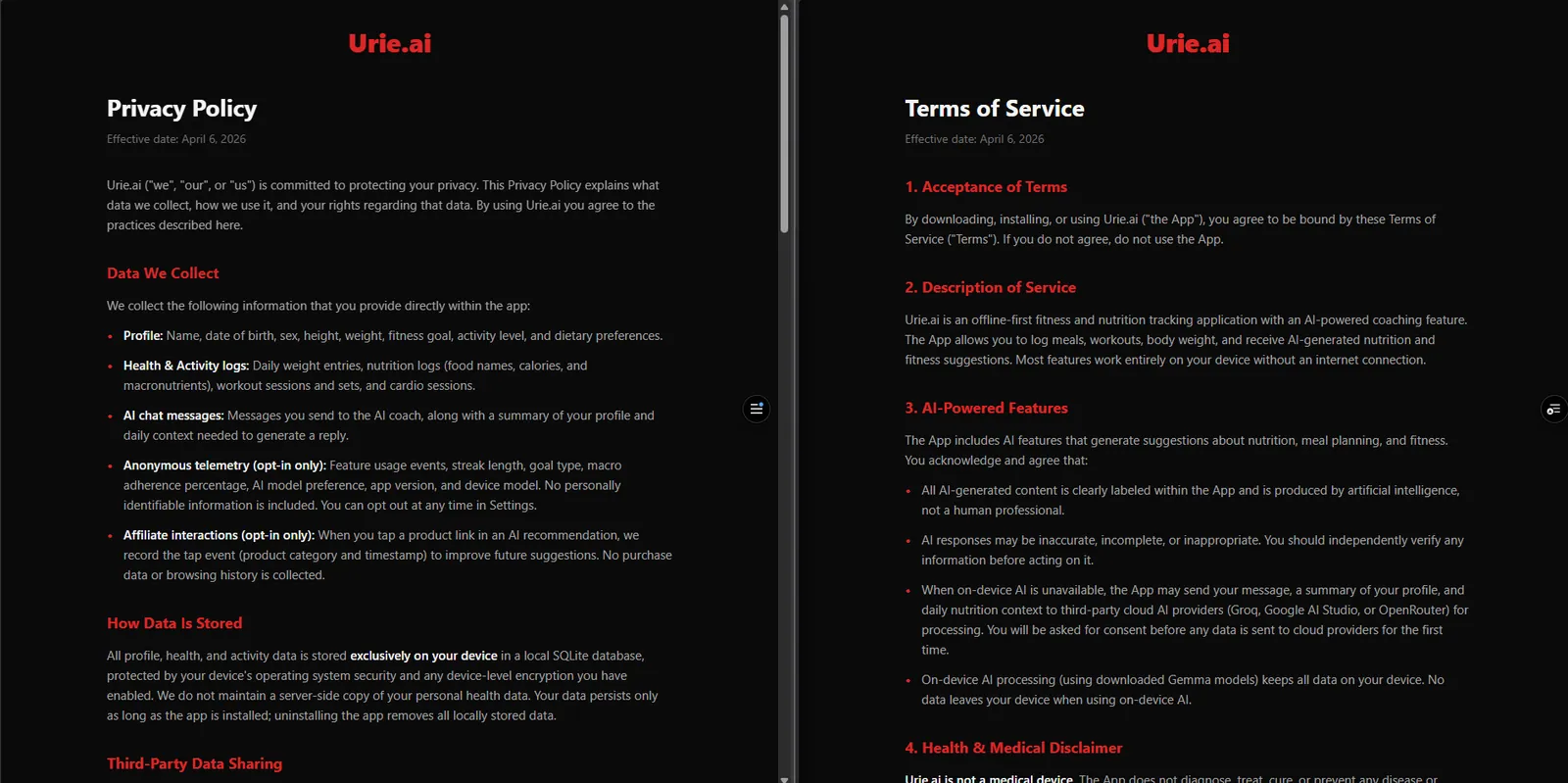
There’s a dedicated legal site: a small Next.js app on Vercel hosting the privacy policy, Terms of Service, and Data Safety disclosures the Play Store requires. There’s a cloud consent prompt on the main AI fallback paths (chat, photo logging, meal plans) that names the provider and what gets sent before the call goes out. Onboarding turns away anyone under 13. Data export to JSON from Settings. Sentry wired for crash reporting with PII scrubbed before any event upload.
There’s an anonymous telemetry pipeline, buffered locally and batch-synced to Supabase. It started opt-in, but that left almost every install invisible, so it now defaults to on (disclosed in onboarding) and you can switch it off anytime in Settings. Insert-only row-level security on the Supabase side means the client can’t read other devices’ data, just write its own.
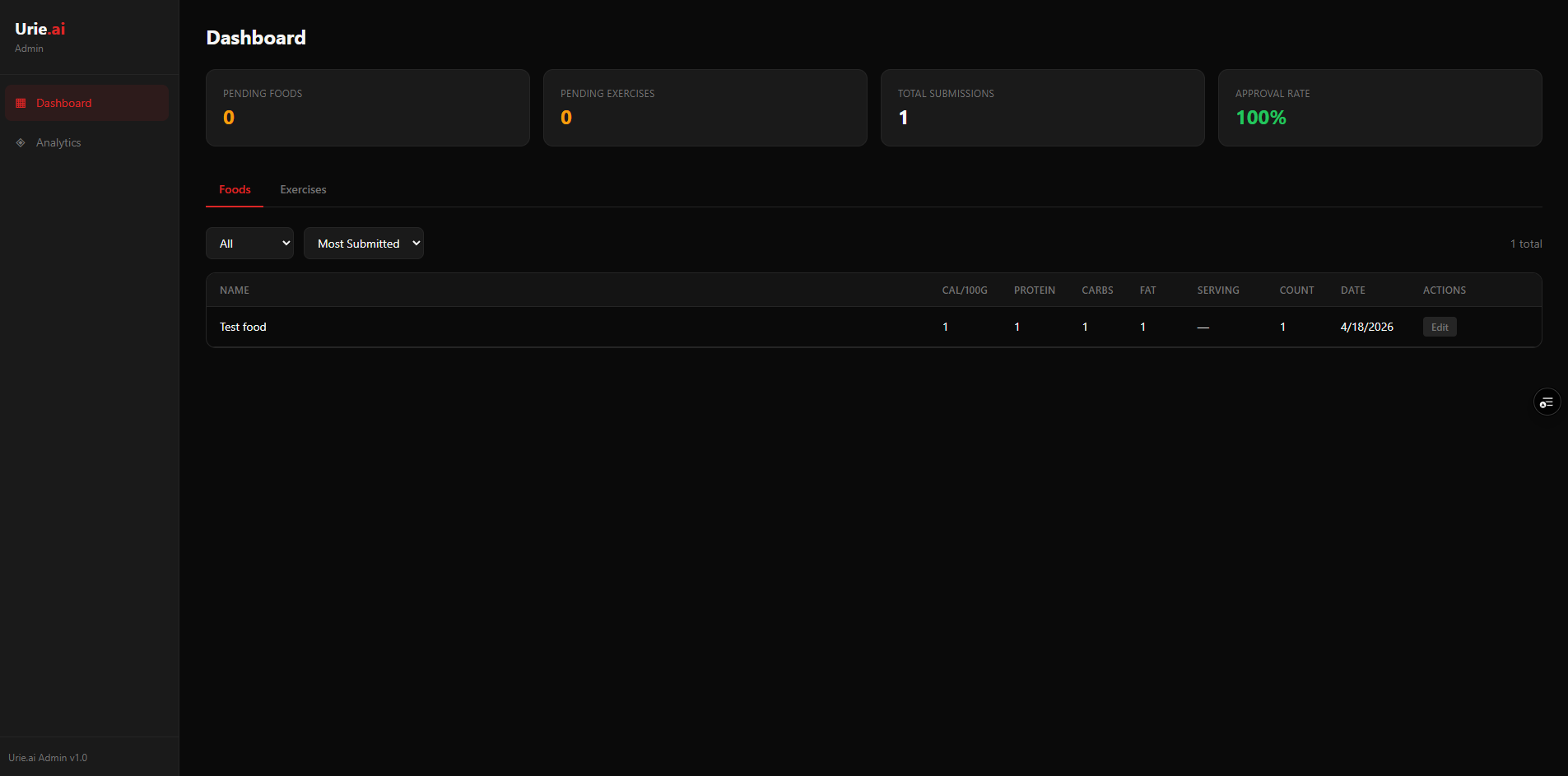
There’s a crowdsourced food and exercise pipeline. When you create a custom food, it gets anonymously submitted under the same telemetry consent. A separate password-gated Next.js 15 admin app queues submissions for dev review, handles edit-before-approve, and ships approved items as seed data in the next release. Metabase is embedded on the same dashboard for DAU and retention analytics.
Where it stands: the app reached internal testing on Google Play. It hasn’t had a public release yet.
公開 (Public)Legal site: privacy, terms, data safety
llama.rn works. Context windows are small, RAM budgets are tight, load-failure modes are creative. The three-step load fallback (GPU, then CPU, then low-memory CPU) was essential for real device compatibility; model download needs a foreground service to survive Android's aggressive app lifecycle.
02
Data architecture decisions compound.
Denormalizing food names at log time, the 60-second AI context cache, tracking historical targets with effective-from dates, the TanStack Query invalidation graph: none were obvious up front, but each prevented a class of bugs. Designing the historical-targets store after shipping would have been significantly more painful than designing it in.
03
The Android OEM problem is real.
“Works on my Pixel” is not “works on OPPO.” Background survival on the Filipino market required a layered system I didn't know existed until I hit the bug.
04
Adding a backend changed the project shape.
Going from pure-client to client + Supabase + admin dashboard + Metabase was the biggest architectural leap. Keeping the admin as a separate Next.js app instead of bolting it onto the mobile codebase kept both surfaces clean.